
Searching Cases by Name
Name searches go through the North Carolina eCourts Portal and its Smart Search tool. Type in the party name and see what comes back. One caution: the tool searches the whole state. So a name match is not automatically a Warren County case. Start with the name details you have. If the name is common, or the result list runs long, apply filters. Use the advanced location filter and other case criteria until the matches shrink to something you can work through.
- Open Portal and select Smart Search. Enter a party name, record number, or citation number.
- For a name search, add the Warren location and a case type when the result set could include another county or court matter.
- Review the matching case number, party information, case type, and status before opening a result.
- Open the public Case Summary / Register of Actions and compare its hearings or events with the information needed for the matter.
- If no result answers the question, use the Warren Clerk of Superior Court rather than treating the absence as proof that no file exists.
The Portal's own material documents the Smart Search fields and controls. A field marked "Unspecified" simply means the official guidance does not say whether that field is required.
| Field or control | Type | Required | Documented format or use |
|---|---|---|---|
| Party name | Text | Unspecified | Supports party-name searching; documented wildcard rules apply. |
| Record number / case number | Text | Unspecified | Uses the Enterprise Justice format; a wildcard needs at least four characters plus *. |
| Citation number | Text | Unspecified | Documented Portal criterion and main traffic lookup route. |
| Attorney bar number | Text | Unspecified | Documented Portal criterion. |
| Attorney name | Text | Unspecified | Documented Portal criterion. |
| Business name | Text | Unspecified | Wildcard needs at least four characters plus *. |
| Case cross-reference number | Text | Unspecified | Documented Portal criterion. |
| Nickname | Text | Unspecified | Wildcard needs at least four characters plus *. |
| Location | Advanced selector | Unspecified | Select Warren County to reduce statewide results. |
| Party name / DOB | Advanced filter | Unspecified | Portal accepts a specific date of birth or a range for this filter. |
| Case type | Advanced selector | Unspecified | Training identifies Civil Actions, nonconfidential Special Proceedings, Estates, and Criminal Actions. |
| Case status | Advanced selector | Unspecified | Documented advanced criterion; no complete accessible option list was published. |
| Case filing date range | Date range | Unspecified | Documented Case Search criterion; range limits were not located. |
| Smart Search | Button / portlet | N/A | Returns a detailed Case Summary / Register of Actions for public case types. |
| Advanced Filtering Options | Control / tab | N/A | Adds location, party, DOB, type, status, and filing-date criteria. |
| Clear, reset, and pagination | Controls | Not located | The live interface could not be inspected through the research environment. |
Warren County Case Search Smart Search
Smart Search is the official public component behind a Case Summary, or Register of Actions. It runs on the Enterprise Justice system, also called Odyssey. That makes it a statewide layer, not a Warren-built database. Official training sorts its contents into case, assignment, party, event, hearing, disposition, and applicable financial categories.
Go narrow first. A record number beats a name. If you must search by name, stack on location, type, status, and filing-date criteria. Then verify the case number and details before calling a result a Warren match.
The Judicial Branch's Portal training and resources walk through Smart Search and the Case Summary. Every documented search criterion is covered there.
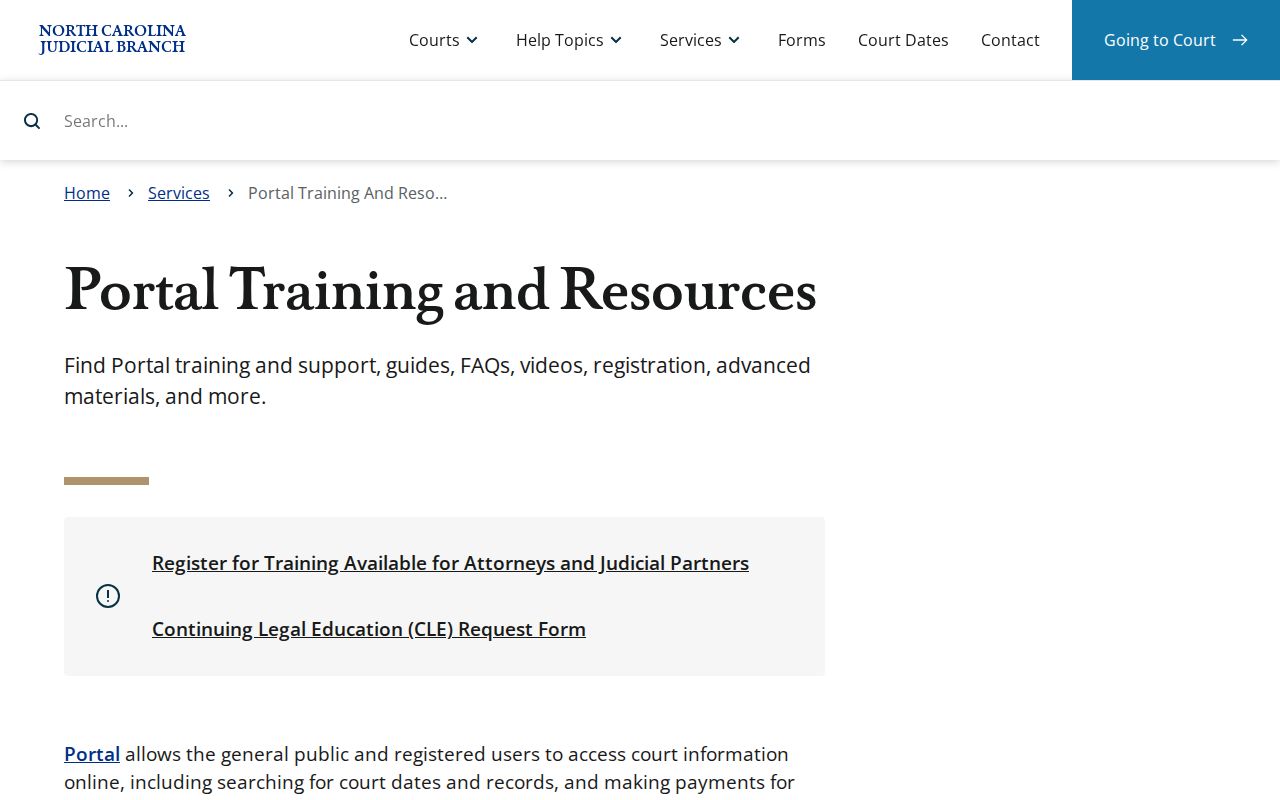
The field inventory and workflow come from that official training resource. It documents the system itself, not any individual Warren case.
Searching by Case Number
A current Enterprise Justice record number is the sharpest search key you can use in a Warren County case search. The Administrative Office of the Courts publishes 21CR000003-910 purely as a format example; it is not a real Warren case. Read it in pieces: a two-digit year, a letter marking the case type, a six-digit sequence, a hyphen, then a three-digit county identifier.
Enter the number exactly as shown. An assumed older paper-file style will not work here. For wildcards, the number needs at least four characters before *, but when you hold the full number, search it exactly instead.
Warren County Case Search Location Filter
After any broad Portal result, location is the check that matters most. Smart Search covers eCourts counties across the state. So the same name can surface from courts far outside Warren. Set the General Options to Warren County. Then tighten the list with case type, status, party information, and filing-date criteria.
Then compare the pieces. Look at the Warren location. Check the record number, the party or business name, the case type, and the displayed information together. Save Search Hearings for after you have identified the case, when your question is a scheduled event.
Keep this in mind. A statewide name match is only a starting point. The location and case details are what tie it to a Warren County court file.
Warren County Case Search Wildcard Limits
The Portal publishes exact wildcard rules. A party-name wildcard needs at least three last-name characters followed by *, plus at least one first-name character followed by *. Case-number wildcards need four characters plus the asterisk. Business names and nicknames follow the same four-character rule before *.
Use the shortest pattern only when you must. Then narrow to Warren County and compare what returns. The official material promises no match for every partial name, so a fuller query or a call to the clerk is the fallback when a stub comes up empty.
What a Case Search Returns
For an eligible public case, the Portal's Case Summary, or Register of Actions, lays out a detailed timeline with related categories. What actually appears can vary. Case type and access status shape the display. The official description supports a field-level inventory, but it publishes no fixed Warren header list and no Warren-specific catalog of every event label and status value.
| Case number | The Enterprise Justice four-part identifier: year, case-type letters, six-digit sequence, and county identifier. |
|---|---|
| Case information | Case Summary, case-level details, assignment information, and documented status/data categories. |
| Parties and attorneys | Party Information; Portal recognizes party, business, attorney-name, and attorney-bar-number criteria. |
| Cause of action | A documented category for civil, family, probate, and mental-health cases where applicable. |
| Events / docket entries | Chronological Case Events and the detailed timeline. Read a displayed label as shown rather than assigning an unverified Warren code. |
| Hearings / settings | Documented hearing category; Search Hearings can use case, party, business, attorney, judicial officer, or courtroom criteria. |
| Financial information | A documented category when applicable, separate from a finding that a payment is due or available online. |
| Documents | Public records and documents may be available, subject to public or restricted status. Large files may need individual download. |
| Disposition | Case Events and Dispositions are documented categories; the official guide does not provide Warren-specific disposition values. |
| Redaction / restriction | Only public case types are exposed. Public cases normally show birth year, not a full birth date, when birth year is recorded. |
A result on an eligible public Warren case helps you identify the case and its visible history. It is not a promise that every filing or document inside it is public.
Warren County Case Search Hearings Route
A case result and a hearing result answer different questions. Smart Search opens the public case information and its chronological record. Search Hearings is the Portal route for current court-calendar work. You can query it by case number, party, business, attorney, bar number, judicial officer, or courtroom. Turn to it when your real question is the time or place of a setting.
Put a hearing beside the Case Summary and the official Warren civil or criminal calendar. Calendars are dated snapshots. Portal information is meant to appear within minutes of upload. Processing and volume can slow it, though. Confirm a close or confusing setting with the clerk. The Warren County court calendar lays out that confirmation chain.
Warren County Case Search Without an Account
Anonymous users can search and view public court information in the Portal without registering. What does an account add? Mainly the My Cases feature. Registration does not unlock any restricted file; elevated access is reserved for users with a statutory business need and authority. Treat an account as a convenience, not a workaround.
Public access boundary. Portal can provide public case information, but registration does not convert a restricted Warren case into a public result.
Separate from search is filing. The official North Carolina File & Serve entry point is the eFiling route for eCourts counties. It does not replace public Smart Search for case lookups.
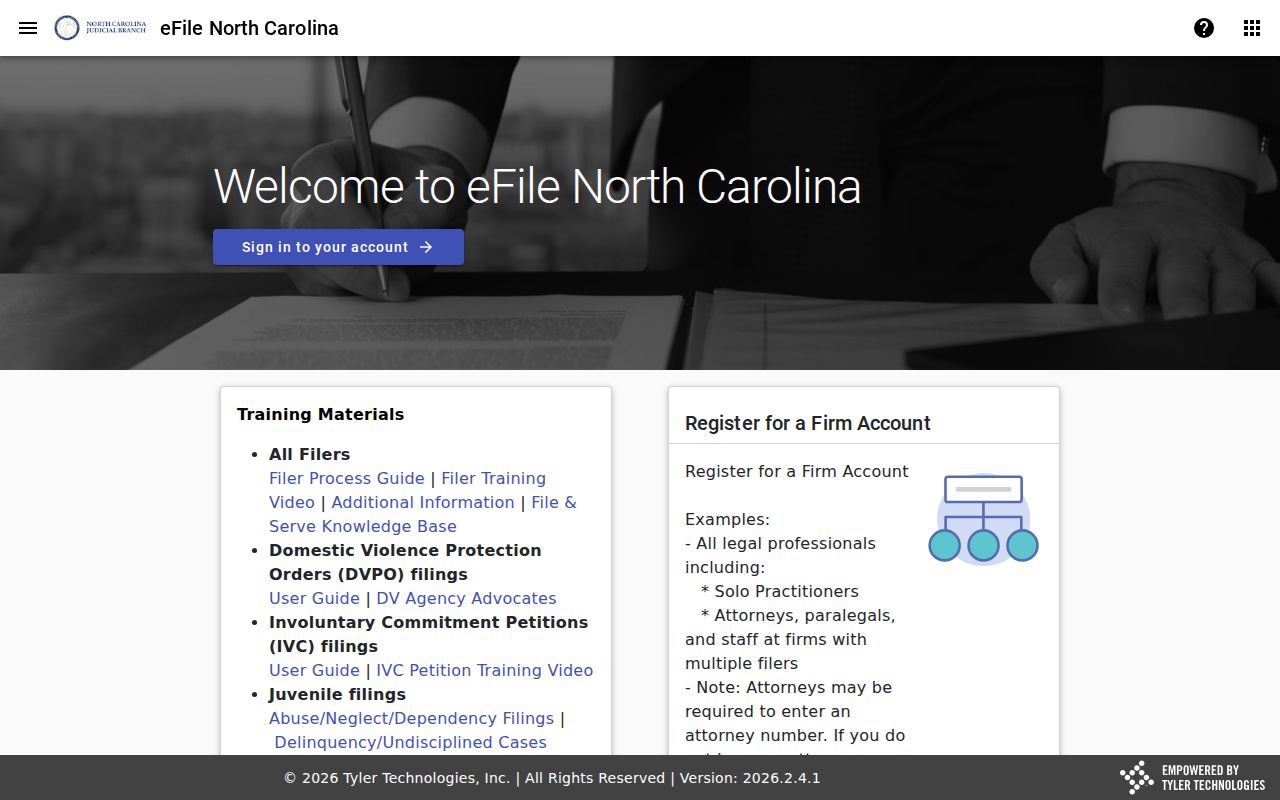
Portal Smart Search remains the public case-search route, while that filing system sits inside the eCourts environment.
Statewide vs County Case Search
Warren has no separate county-built search database. Portal is the online public route for Warren eCourts cases. When online information falls short, the Warren Clerk of Superior Court offers terminal access, file inspection, and the official court-file response.
| North Carolina eCourts Portal | Warren County Clerk route |
|---|---|
| Statewide public case and hearing search for eCourts counties, including Warren. | Local custodian for the Warren court file across Superior, District, magistrate, civil, criminal, and traffic matters. |
| Use Smart Search, Search Hearings, a case number, name, citation, and advanced filters. | Use the public self-service terminal, counter, or phone for older, unavailable, or official-record needs. |
| Provides public Case Summary / Register of Actions information and eligible public documents. | Provides the official file, inspection where available, and copies or certification through the clerk. |
| Best for locating a public result and its current visible hearing information. | Best for confirming a record that needs the local custodian's answer or official copy. |
The two Warren routes work together. Portal locates public information, and the clerk resolves the local file and official-copy questions that an online Warren County court docket result cannot settle.
Warren County Case Search Official File
Portal is not the official court record. Public summaries and document images usually appear within minutes after upload to Enterprise Justice. Processing volume can affect timing, though. Need a certified copy, judgment, order, or the complete file? The Warren County Clerk of Superior Court holds the official file.
A Portal absence can mean restriction. It can also mean a search mismatch, a delayed entry, an older file, or no matching case. It proves none of those things by itself. The Portal FAQ explains that boundary; the clerk handles the Warren case-file question.
Warren County Case Search eCourts Rollout
Warren entered eCourts on April 29, 2024, with nine other counties. Enterprise Justice, Portal, and File & Serve became part of the county's normal case workflow. Attorneys in an eCourts county had to eFile after the launch date. The public Warren County court docket search now runs through statewide Portal. It no longer uses a standalone county database.
North Carolina finished eCourts in all 100 counties on October 13, 2025. Even so, the system does not guarantee equal online visibility for every historic Warren record. No single Warren-specific cutoff covers every legacy case type.
The official Warren eCourts launch announcement documents the local conversion.
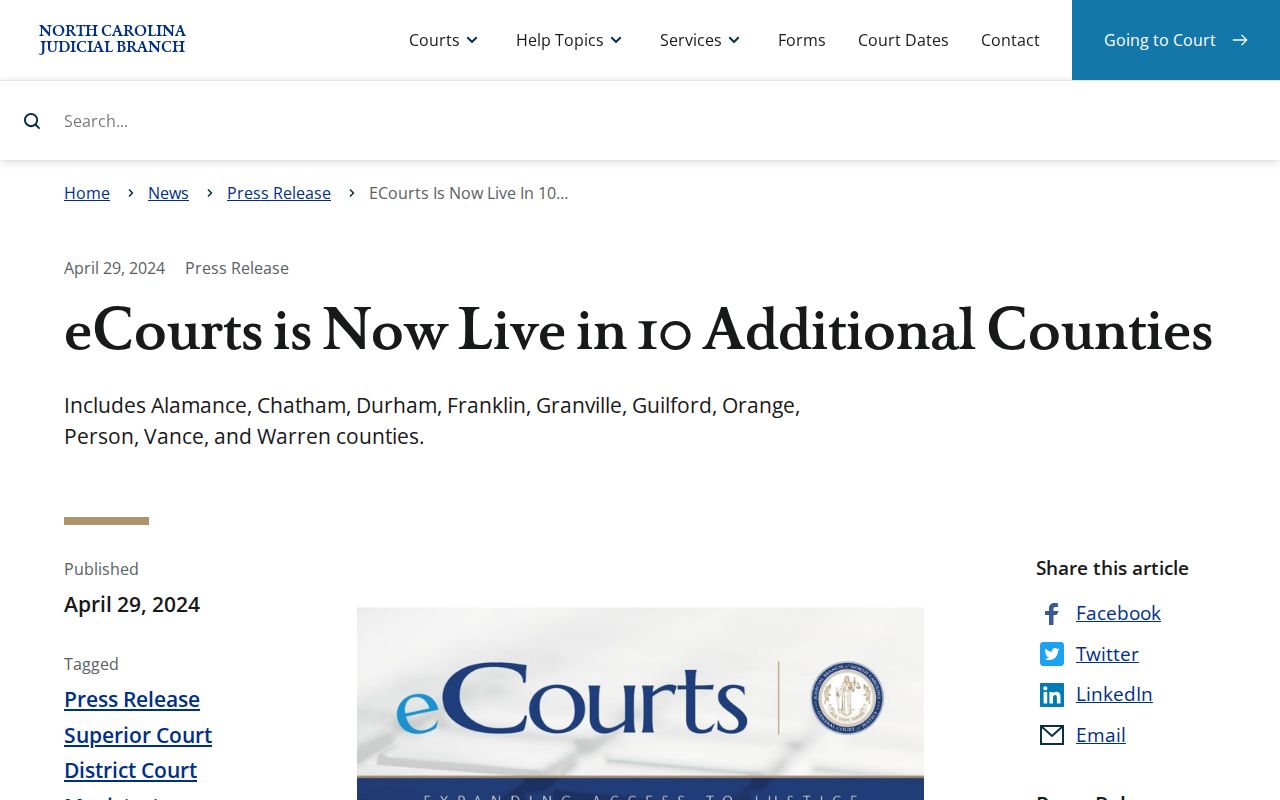
That rollout ties Portal public access, Enterprise Justice case management, and File & Serve filings together.
Access and Restricted Cases
Only public case types show up in an ordinary Portal search. The Judicial Branch states that sealed and expunged cases are absent from Portal, and it lists unreturned criminal warrants, juvenile records, and protective orders as restricted or elevated-access material. A public case can still hold a document that is not public. So do not use a public case search to try to confirm protected information.
G.S. 7B-3000 limits ordinary public inspection of complete juvenile records. For a restricted or absent Warren matter, ask the clerk about the legally available procedure. Remember that an expunction is a legal process, not a Portal filter.
Note: "Not returned" can reflect access rules, timing, a search mismatch, historical availability, or no matching case. It is not a conclusion by itself.
Warren County Case Search Clerk Terminal
When Portal does not answer a Warren County case lookup, the public self-service terminal at the Warren clerk office is the direct local fallback. State court guidance places a terminal in each clerk office. It supports criminal searches by defendant name, case number, or victim or witness name. Civil, special-proceeding, and estate information is available there too.
Warren County Clerk of Superior Court
109 S Main St
Warrenton, NC 27589
(252) 257-6300
Call before a time-sensitive visit, especially for an older file or a certified copy. Ask the clerk how many terminals exist, where they sit, and whether terminal hours differ from regular office hours.